- Empty cart.
- Continue Shopping

Minimal Desk Setup Checklist for Renters (Hide Cables Without Wall Holes)
- Posted on
polar_meter_73@icloud.com
- 0
- Categories: Guide
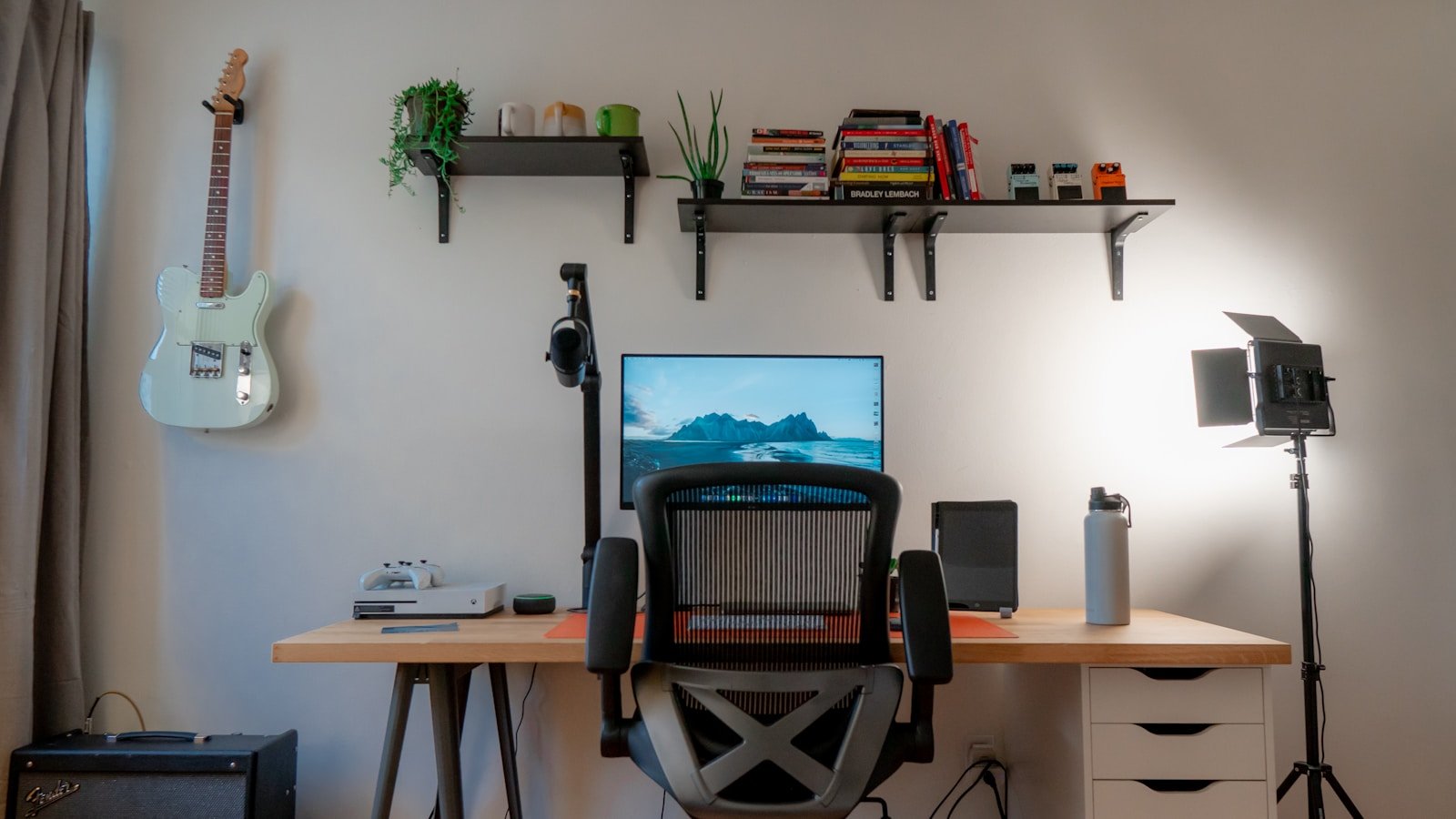
Working from home in a rental? Creating a clean, minimal desk setup sounds great—but drilling holes in the wall or making permanent changes often isn’t an option. No problem. You can still craft a sleek, functional workspace without compromising your lease — all while hiding cables and maintaining a rental‑friendly design. Here’s your go‑to checklist for a minimal desk setup that keeps things tidy, professional, and deposit‑safe.
Why a Minimal Setup Matters (Especially for Renters)
Before we dive into the checklist, let’s cover why minimalism matters, especially when you’re in a rental.
- A clean, uncluttered desk boosts focus and reduces distractions — crucial when working from home.
- Minimal setups tend to look more professional on video calls.
- For renters: Avoiding permanent changes (drilling, wall mounts, etc.) means you stay within your lease terms and you won’t worry about losing your deposit.
- With fewer cables and clutter, your workspace becomes safer (less tripping, less overheating) and easier to maintain.
Cable chaos is one of the biggest aesthetic and functional challenges. Tackling it early means more mental clarity and less cleaning time. One article noted:
“Mounting under‑desk trays or adhesive mounts is one of the best cable management tricks … especially in a space where you can’t modify the wall.”
The Minimal Desk Setup Checklist (No Wall Holes Required)
Here’s the full breakdown of what you’ll want to include in your setup, how to hide cables smartly, and keep everything renter‑friendly.
1. Choose the Right Desk
Start with a desk that suits your space and gives you breathing‑room. For renters, consider:
- A lightweight desk or table (nothing bolted to the floor or wall).
- A neutral finish (white, black, light wood) to keep things adaptable.
- One with a flat underside and no built‑in wall attachments so you can mount cable solutions without damaging walls.
Tip: If the desk has modesty panel or a back panel, you can route cables discreetly underneath. Later you’ll mount cable trays or clips under the desk so everything stays out of sight.
2. Pick an Ergonomic Chair (that Doesn’t Clutter the Space)
Minimal isn’t just about cables—it’s about comfort and clarity too.
- Choose a chair with clean lines — mesh or fabric with minimal bulk.
- Ensure good lumbar support (you’ll thank yourself after long remote work days).
- Go for a neutral colour so it blends with your overall setup.
3. Select Wireless or Minimal‑Cable Peripherals
Every cable you remove counts. Less wire = cleaner desk.
- Go wireless for keyboard, mouse, possibly headset or speakers if feasible.
- If wired devices are necessary, shorten and bundle the cables later.
- Use a compact USB hub to centralize peripheral power and reduce multiple cords. As one guide recommends: “Wireless devices eliminate wires helps to lessen cable clutter because fewer are in the mix.”
4. **Under‑Desk Cable Management (Deposit‑Safe)
**The heart of a renter‑friendly setup is how you handle cables without drilling into walls. Here’s how:
a) Use Clamp‑Or Adhesive Under‑Desk Trays or Mounts
These allow you to mount power strips, surge protectors or bundle cables under the desk, out of sight.
ErgoYou Clamp‑On Under Desk Cable Management Tray
2 Pack Cable Management Under Desk Tray (No Drill)
Mounting under the desk means you’ll have one or two main lines going to the wall outlet, instead of multiple spaghetti cords dangling.
b) Use Cable Clips, Sleeves & Bundles
- Adhesive cable clips (stick‑ons) hold individual cords to the underside or side of the desk.
- Cable sleeves or spiral wraps bundle multiple cords into a single, tidy line.
- Velcro reusable ties let you adjust cables without cutting anything.
Several experts recommend this approach:
“Cable sleeves … keep your cables organized and hidden from view.”
c) Hide the Power Strip and Surge Protector
Mount or rest your power strip under the desk or in a discrete box.
IKEA FÖRSÅRSONG Cable Management Tray
Use heavy‑duty adhesive tape or Velcro strips underneath your desk to keep the strip firmly in place.
“Stick your power bar under your desk … apply a good amount of 3M tape … don’t let cords sprawl.”
d) Route One Main Cable to the Wall
Aim to have one main cable (your desk’s “lifeline” to the outlet). All other cables should converge into the tray and only one plug goes into the wall socket. This simplifies everything and is renter‑friendly.
5. Surface & Lighting: Keep It Minimal
- Choose a slim desk lamp (clamp‑on or freestanding) so you don’t rely on wall‑mounted lighting.
- Keep desk accessories minimal: a plant, one decorative item, a simple pen‑holder.
- Use wireless charger pads for phones/tablets to reduce charger cables crossing your desktop.
6. Storage That’s Cable‑Friendly
Storage units help keep clutter (and hidden wires) at bay.
- Use freestanding shelving or small drawer units that don’t require wall fixtures.
- A small cable box or decorative bin under the desk can hold excess cables or chargers.
- A drawer dedicated to “tech cables” means fewer loose wires lying around.
One guide noted:
“Designate a drawer for storing extra cables … prevents extra cables from cluttering your workspace.”
7. Decor That Doubles as Function
Minimal doesn’t mean sterile. Add a few smart pieces:
- A desk mat defines your workspace visually and ergonomically.
- A small indoor plant (or faux plant) adds life without requiring wall mount.
- Use sticky hooks or Command strips (safe for rentals) to hold light items—just avoid holes.
- Cable raceways that stick to the wall are acceptable if they don’t require drilling — but always check your lease!
8. Monthly Maintenance & Cable Audit
Keeping things minimal means regular check‑ins.
- Once a month, unplug devices, check cables for wear, untangle as necessary.
- Review whether you have devices still plugged in that you no longer use and remove them.
As one piece advises:
“Regular maintenance and reassessment are key components of effective cable management.”
- Clean underneath your desk, dust off the tray, detach any loose adhesive mounts that may be peeling.
Quick Renter‑Friendly Cable‑Hiding Hacks (No Holes Required)
Here’s a rapid‑fire list of hacks you can implement right away:
- Use adhesive cable clips along the back edge of your desk to keep phone/mouse cables anchored. “Cable clips adhere to your desk … guiding the cables neatly along a designated path.”
- Mount your power strip underneath with heavy‑duty adhesive or Velcro tape—keep it off the floor.
- Bundle excess cable length inside a cable sleeve or coil it neatly behind your monitor stand.
- Use a cable box on the floor (near a wall outlet) to hide the surge protector and plugged‑in cords.
- Place a small rug over floor‑level cable runs if you can’t route them otherwise. “A rug is a simple and effective way of hiding floor cords …”
- Use wireless devices (smart charger, Bluetooth keyboard/mouse) wherever practical to avoid new cords.
- Label your cables at both ends so you know what each is for. This helps when unplugging or moving devices. “Label both ends of your cables … you’ll know exactly which one to unplug.”
- Hide adapter “bricks” by placing them in a tray mounted under the desk, so you only see the output cable.
- Position your desk close to a wall outlet (without blocking ventilation) to reduce long cable runs. “Positioning your desk against a wall or in a corner can minimize the visibility of cords.”
- Use double‑sided mounting strips or Command‑type hooks (safe for rentals) instead of screws.
Final Thoughts: Transform Your Workspace Without Risk
If you’re a renter, you can have a desktop workspace that’s chic, minimal, cable‑free, and deposit‑safe. The key is to focus on under‑desk solutions, avoid drilling into walls, and plan your cable runs thoughtfully. A thoughtfully managed workspace isn’t just better for your current productivity—it also makes moving out or reconfiguring your setup far easier.
When you follow this checklist, your workspace will feel open, professional, and intentional — and you’ll spend less time tweaking cables and more time doing meaningful work.
At TheWFHClub.com, we believe your home office should match your ambitions. A minimal setup that respects both your lease and your productivity is more than possible — it’s within reach.


