- Empty cart.
- Continue Shopping

Fix Standing Desk Wobble: Proven Stabilizers and Placement Tricks
- Posted on
polar_meter_73@icloud.com
- 0
- Categories: Guide
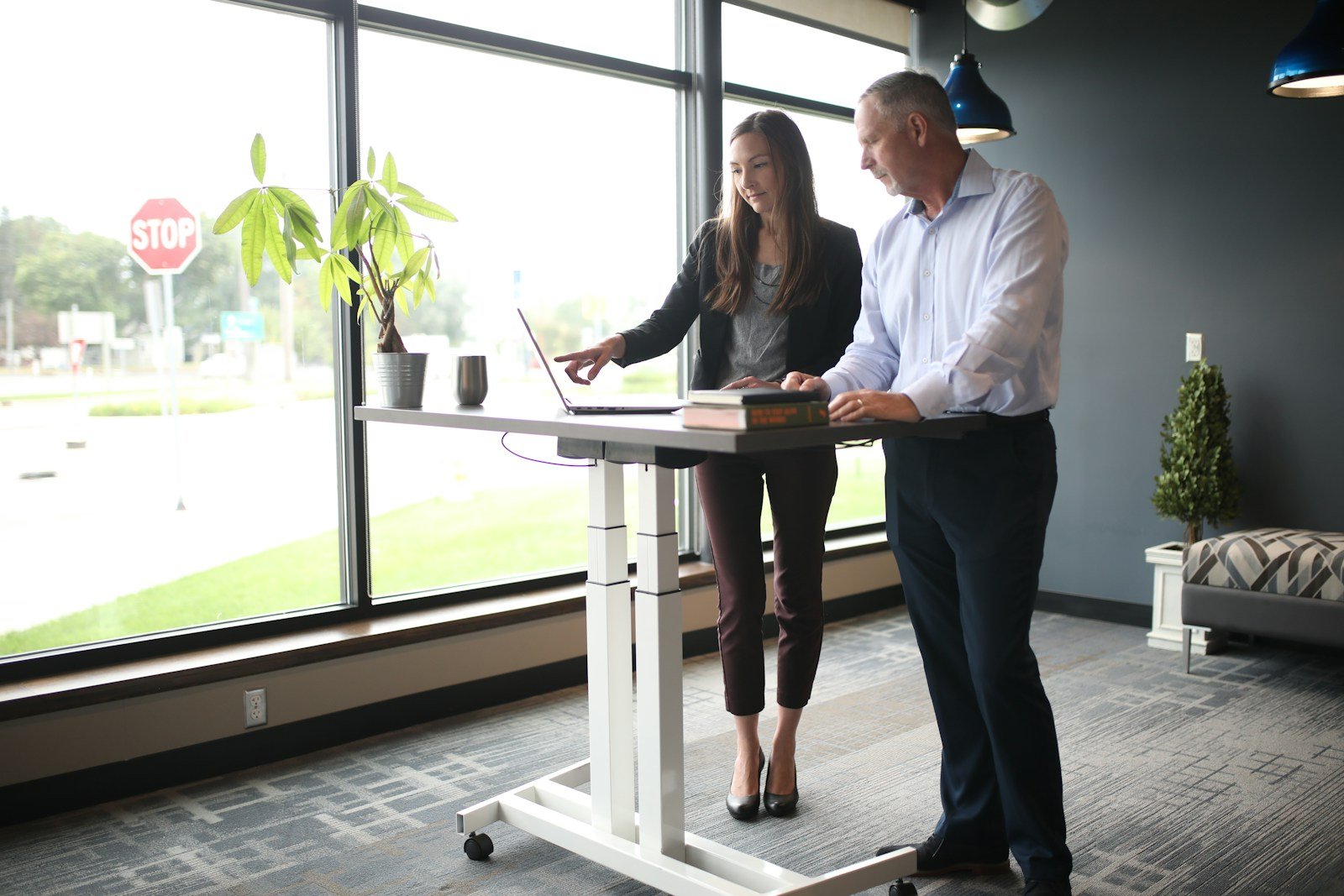
Standing desks are one of the best upgrades you can make for your health and productivity—until they start wobbling.
That side-to-side shake. The keyboard bounce every time you type. The slight sway that makes your monitor tremble. Annoying? Definitely. But here’s the good news:
A wobbly standing desk isn’t inevitable. It’s fixable.
Whether you’re dealing with a lightweight frame, uneven floor, or poorly assembled parts, there are proven methods to stabilize your standing desk—without replacing it.
In this comprehensive guide, we’ll walk you through exactly how to identify the cause of your wobble and apply placement tricks, hardware stabilizers, and smart setup tweaks to eliminate it for good.
Let’s turn that shaky desk into a rock-solid workstation.
Why Standing Desks Wobble in the First Place
Before we fix it, it’s important to understand why the wobble happens. Most standing desks are designed with telescoping legs, which allow them to move up and down. That mobility comes with tradeoffs in stability.
Common causes of wobble include:
- Poor frame design (especially on budget models)
- High desk height increasing leverage and sway
- Uneven or soft floors (especially on carpet)
- Loose hardware or improper assembly
- Insufficient cross support or bracing
The higher your desk goes, the more exaggerated small stability issues become. Think of it like a tree in the wind—the taller it is, the more it sways from its base.
Step 1: Identify the Wobble Source
Is your desk wobbling side-to-side? Or front-to-back? Does it only happen when standing? These clues help diagnose what to fix.
Wobble Direction:
- Side-to-side (lateral): Usually caused by a lack of lateral support or weak frame crossbars.
- Front-to-back (longitudinal): Often from unstable legs or loose fasteners.
- Bounce when typing: Caused by surface flex or vibration from lightweight desktops.
- Whole desk moves: Likely from an uneven floor or soft carpeting.
Spend a minute pushing on the desk corners and observing where and how it moves. That’s the key to choosing the right fix.
Step 2: Placement Tricks to Instantly Improve Stability
Before you buy anything, try these free or low-effort placement changes that can dramatically reduce wobble.
1. Place Desk Against a Wall
Pushing your desk up against a wall or corner adds instant stability by using the wall as a brace. It minimizes lateral movement and keeps the desk from rocking as you lean or type.
2. Avoid Carpet or Use a Hard Mat
Carpet creates bounce. Especially with plush or padded floors, the feet of your desk sink in, creating an unstable foundation. If possible, move your desk to a hard floor like wood or tile.
Can’t move it? Use a hard rubber mat, anti-fatigue mat, or furniture board under the legs to simulate a flat, firm surface.
3. Adjust the Feet or Use Shims
Most standing desks have adjustable glides or feet underneath. If your floor isn’t perfectly level, the desk will always rock slightly—especially at taller heights.
Solution:
- Adjust the feet to level the frame
- Use rubber or plastic shims under any short leg
- Consider adding non-slip pads to keep the desk planted
Tip: Use a bubble level to ensure the desk surface is flat side-to-side and front-to-back.
Step 3: Reinforce Your Desk with Hardware Stabilizers
Once you’ve optimized placement, it’s time to add strength. These hardware-based stabilizers can turn even budget standing desks into stable, wobble-free workstations.
1. Add a Crossbar or Brace
A crossbar is a horizontal bar that connects the two legs of your desk and prevents side-to-side movement.
Some standing desks come with one pre-installed, but not all. If yours doesn’t, adding one can drastically improve lateral stability.
Options:
- Purchase a universal crossbar or metal L-bracket
- Use steel flat bar from a hardware store and bolt it to the frame
- Secure with bolts or locking screws for best results
Pro tip: Add a diagonal cross brace (like an X-pattern) under the desk for maximum rigidity.
2. Install Leg Stabilizers
If your desk wobbles due to leg movement, you may need to reinforce the leg columns. Some desks with telescoping legs loosen over time, especially at higher heights.
Fixes include:
- Wrapping PTFE tape or thin plastic around inner legs to reduce play
- Replacing worn bushings or sliders (if available from the manufacturer)
- Tightening internal fasteners (open access panels if possible)
Be cautious—opening motorized leg columns may void warranties. Always check your manual first.
3. Secure Desktop to Frame More Firmly
Sometimes the desktop itself flexes or vibrates because it’s not securely fastened to the frame.
Check for:
- Loose screws
- Undersized bolts
- Gaps between desktop and frame
Tighten all fasteners, and consider adding extra screws or brackets underneath for better surface rigidity. Use thread-locking compound if bolts tend to loosen over time.
Step 4: Smart Accessories That Reduce Perceived Wobble
Some types of movement (like monitor shake) don’t come from the desk—it’s what’s on the desk.
1. Use Monitor Arms
A heavy monitor sitting on a shaky desktop will exaggerate movement. A clamp-on monitor arm helps:
- Reduce bounce when typing
- Lower center of gravity
- Eliminate screen shake
Make sure your monitor arm is mounted to the most stable part of the desk—typically the metal frame, not just the wood surface.
2. Add Desk Weights or Under-Desk Storage
If your desk is very lightweight (common in budget models), adding mass can reduce wobble.
Options include:
- Weighted under-desk drawers
- Steel or rubber weights mounted underneath
- A sturdy CPU holder or equipment mount
Just be cautious not to exceed your desk’s weight limit, especially for motorized desks.
3. Anti-Vibration Pads
Use anti-vibration pads under each leg to absorb small shakes and prevent desk creep. These also help on tile or hardwood floors to reduce noise and movement.
Standing Desk Brands and Wobble Ratings
Some desks are better than others when it comes to build quality and rigidity. If you’re shopping for a new one (or want to compare), here’s what to look for:
Best Design Features for Stability:
- C-frame or T-frame with wide foot placement
- High-quality steel frame construction
- Integrated crossbar support
- Thick, dense desktop materials
- Dual-motor or gear-driven legs with tight tolerances
Avoid ultra-slim, single-motor models or desks with minimal connection points between legs and desktop.
Quick Fix Checklist: Eliminate Desk Wobble Today
✅ Place desk against a wall or corner
✅ Level the feet and shim if needed
✅ Use a hard mat on carpeted floors
✅ Add a crossbar or diagonal brace
✅ Tighten all fasteners and screws
✅ Use a monitor arm to reduce screen shake
✅ Add under-desk mass for stability
✅ Use anti-vibration pads on hard surfaces
With these steps, even a wobbly budget desk can become stable enough for focused deep work, heavy typing, and confident standing posture.
When to Consider Replacing the Desk
If you’ve tried every trick and your desk still wobbles, the problem might be structural. Some budget models simply don’t have the rigidity or tolerance to handle daily use—especially at taller heights.
Signs it’s time to upgrade:
- Excessive play in leg columns
- Structural bending or flexing
- Poor-quality welds or connections
- No option for bracing or reinforcement
A high-quality standing desk doesn’t have to break the bank—but it should support your health and workflow, not cause frustration.
Final Thoughts: Your Standing Desk Should Work With You, Not Against You
A standing desk should empower better posture, movement, and productivity—not make you chase your keyboard around as it wobbles.
With a mix of smart placement, simple reinforcements, and clever accessories, you can turn even the shakiest setup into a rock-solid workstation.
At TheWFHClub.com, we believe remote workers deserve gear that supports their goals—not gets in the way. So take control of your setup, lock down your desk, and work with confidence—whether sitting or standing.
Because your desk should move only when you want it to.


