- Empty cart.
- Continue Shopping

Winter WFH Comfort: Foot Warmers, Mats, and Draft-Proofing Your Desk Area
- Posted on
polar_meter_73@icloud.com
- 0
- Categories: Guide
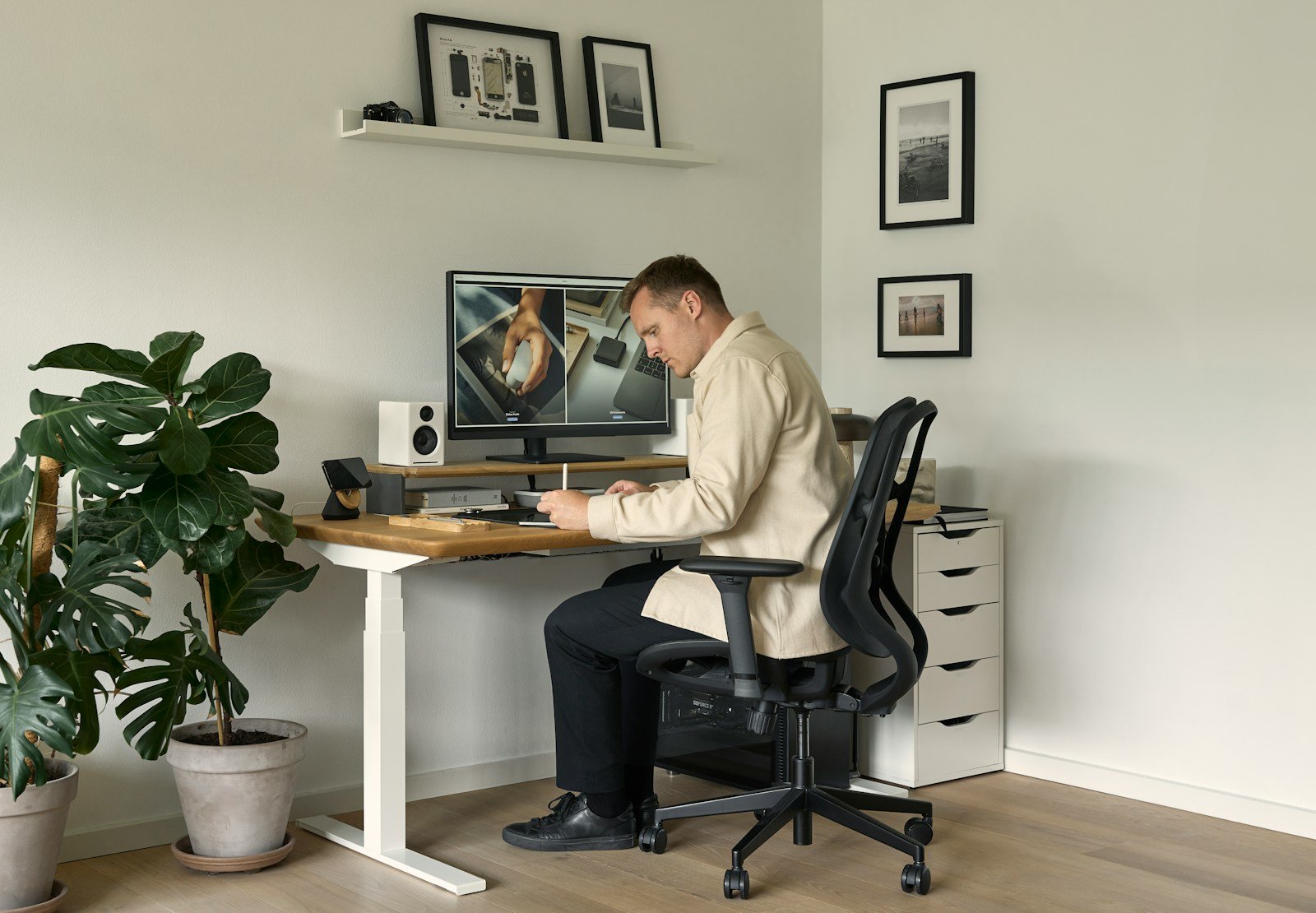
Winter work-from-home life sounds cozy in theory—think hot coffee, a soft hoodie, and snowflakes outside the window. But in reality, many remote workers quickly discover just how chilly and uncomfortable their home offices can get once the temperature drops.
Cold feet, icy drafts, and stiff fingers don’t exactly help productivity. Whether you’re in a modern apartment with poor insulation or a charming older home that’s full of sneaky drafts, working comfortably during winter takes a little planning.
That’s where this guide comes in. We’re diving into practical winter comfort upgrades for your home office that keep you warm, focused, and relaxed—without cranking your heating bill through the roof.
From foot warmers and cozy desk mats, to draft-proofing tricks, here’s how to turn your WFH corner into a winter-ready productivity zone.
Why Cold Affects Your Work More Than You Think
Being cold isn’t just unpleasant—it can actively reduce your performance.
Studies show that working in lower temperatures:
- Reduces typing speed and accuracy
- Causes muscle stiffness and poor posture
- Lowers cognitive function due to body energy spent on staying warm
- Increases distraction and irritability
For anyone working long hours at a desk, especially in a space without consistent heat, staying warm is critical—not just for comfort, but for clear thinking and physical health.
Let’s walk through the best winter upgrades for your home office, starting from the ground up.
1. Foot Warmers: The Unsung Heroes of WFH Comfort
If your feet are cold, the rest of your body feels cold too—no matter how many layers you wear.
Since feet are in contact with cold floors all day, warming them up is the fastest way to improve overall comfort.
Top Foot-Warming Solutions:
Heated Foot Warmers (Electric Pads or Slippers)
These plug into a wall or USB and gently warm your feet like a heating pad.
Pros:
- Immediate warmth
- Adjustable heat settings
- Great for sedentary tasks
Ideal for: Writers, coders, or anyone who sits still for long stretches.
Microwaveable Slippers
These contain heat-retaining materials (like flaxseed or rice) and can be popped into the microwave for quick, soothing warmth.
Pros:
- Cord-free
- Cozy and soft
- Good for short warming sessions
Best for: People who take frequent breaks and want warmth without cords.
Foot Tents or Under-Desk Covers
Yes, foot tents exist! These are insulated enclosures that trap heat around your feet (and sometimes legs), especially when paired with a space heater or heating pad.
Great for: Ultra-cold environments or long winter workdays.
2. Desk Mats and Underfoot Comfort Layers
If your desk is on tile, laminate, or hardwood, the floor may be sucking heat from your body without you realizing it. That’s where layering underfoot can make a big difference.
Options to Consider:
Anti-Fatigue Mats
Originally designed for standing desks, these soft mats provide both cushioning and insulation.
Bonus: Helps reduce joint strain if you stand or move around often.
Wool or Faux Fur Rugs
A soft area rug under your desk instantly warms up the space and adds a cozy, stylish touch.
Look for low-pile rugs if you have a rolling office chair. You can also layer rugs for more insulation.
Heated Floor Mats
These plug-in mats gently warm the floor under your feet and are safer and lower-profile than space heaters.
Pro tip: Combine with a foot tent or slippers for full insulation.
3. Draft-Proofing Your Desk Area
You’d be surprised how much heat escapes through cracks and crevices—especially around windows and baseboards.
Here’s how to block the cold from sneaking into your workspace:
Around Windows:
Thermal Curtains or Insulated Shades
Thick, lined curtains or cellular shades can block drafts and reduce heat loss by up to 25%.
Make sure they fully cover the window and reach the floor or window sill.
Window Insulation Film
This clear plastic film creates an airtight seal over drafty windows. It’s an inexpensive DIY solution and can make a big difference in older apartments or homes.
Around Doors and Baseboards:
Draft Stoppers
Place a draft snake or foam blocker at the bottom of doors near your desk. This stops cold air from creeping in from hallways or exterior doors.
Seal Baseboards and Outlets
Use caulk or foam tape to seal gaps at the base of walls and around outlets—these are common sources of heat loss that are often overlooked.
Desk Positioning
Move your desk away from exterior walls or windows if possible. Even a foot or two of distance can reduce heat loss and improve comfort.
4. Layering for Comfort and Movement
The key to staying warm while working is light layers that don’t restrict your range of motion.
Here’s what works best at your desk:
Wearables:
- Thermal base layers: Soft, stretchy leggings or long-sleeve shirts made from wool or heat-retaining synthetics.
- Fingerless gloves: Keep hands warm while typing or using a mouse.
- Wearable blankets or shawls: Cozy but not bulky—great for Zoom meetings or phone calls.
- Heated vests: Battery-powered and surprisingly slim. Some styles can even be worn under regular sweaters.
Avoid bulky sweaters or jackets that limit your shoulder or arm movement—these can cause poor posture over time.
5. Smart Heating Options (For Your Desk Only)
If you don’t want to heat the entire room, there are low-energy, desk-focused heating options that make a huge impact.
Low-Watt Desk Heaters
Small ceramic or infrared heaters that focus warmth in a small radius (just under your desk, for example).
Tips for safety:
- Choose models with tip-over and overheat protection
- Never leave them unattended
- Keep cords tidy and away from foot traffic
USB Hand Warmers
Perfect for warming your hands between typing sessions or while reviewing documents. Some models double as power banks.
Heated Mouse Pads or Wrist Rests
A niche but effective comfort upgrade—especially if you suffer from cold hands or wrist pain during the winter.
6. Lighting for Warmth and Mood
Winter days are short and gray—and poor lighting can make your workspace feel even colder.
Upgrade your lighting to simulate warmth and boost your mood:
- Use warm-tone bulbs (2700–3000K) in your desk lamp
- Add soft ambient lighting like string lights, candles, or smart bulbs
- Position your lighting to avoid glare while still illuminating your full desk area
Bonus: Good lighting also helps with video calls during dark mornings or early evenings.
7. Simple Winter Habits to Stay Warm and Productive
Comfort isn’t just about gear—it’s also about how you structure your day. Try these cold-weather WFH routines:
Move Every 30–60 Minutes
Motion boosts circulation and helps your body stay warm. Stand up, stretch, or take a walk around your apartment.
Warm Drinks on Rotation
Keep a mug warmer or insulated bottle at your desk. Herbal teas, hot lemon water, and decaf coffee are great options to stay hydrated and warm.
Batch Tasks by Warm vs. Cold Activities
Do more active tasks (cleaning, errands, phone calls) during the coldest times to keep your body warm. Save deep focus work for when your workspace is at peak comfort.
Final Thoughts: Make Winter Work for You
Working from home in the winter doesn’t have to mean frozen toes and gritted teeth. With the right combination of foot warmers, desk mats, and draft-proofing, you can transform your corner into a cozy, focused environment that helps you do your best work—even when it’s snowing outside.
Think of it as building your own winter cocoon—a calm, warm space where comfort meets productivity.
At TheWFHClub.com, we believe home office design is about more than aesthetics. It’s about creating spaces that help you feel great while working—and that includes seasonal upgrades that respond to your real, everyday needs.
So grab that blanket, seal up those drafts, and treat your feet to some well-earned warmth. Winter might be cold—but your home office doesn’t have to be.


