- Empty cart.
- Continue Shopping

Heat and Noise Control in Tiny Rooms: Silent Fans, Pads, and Placement
- Posted on
polar_meter_73@icloud.com
- 0
- Categories: Guide
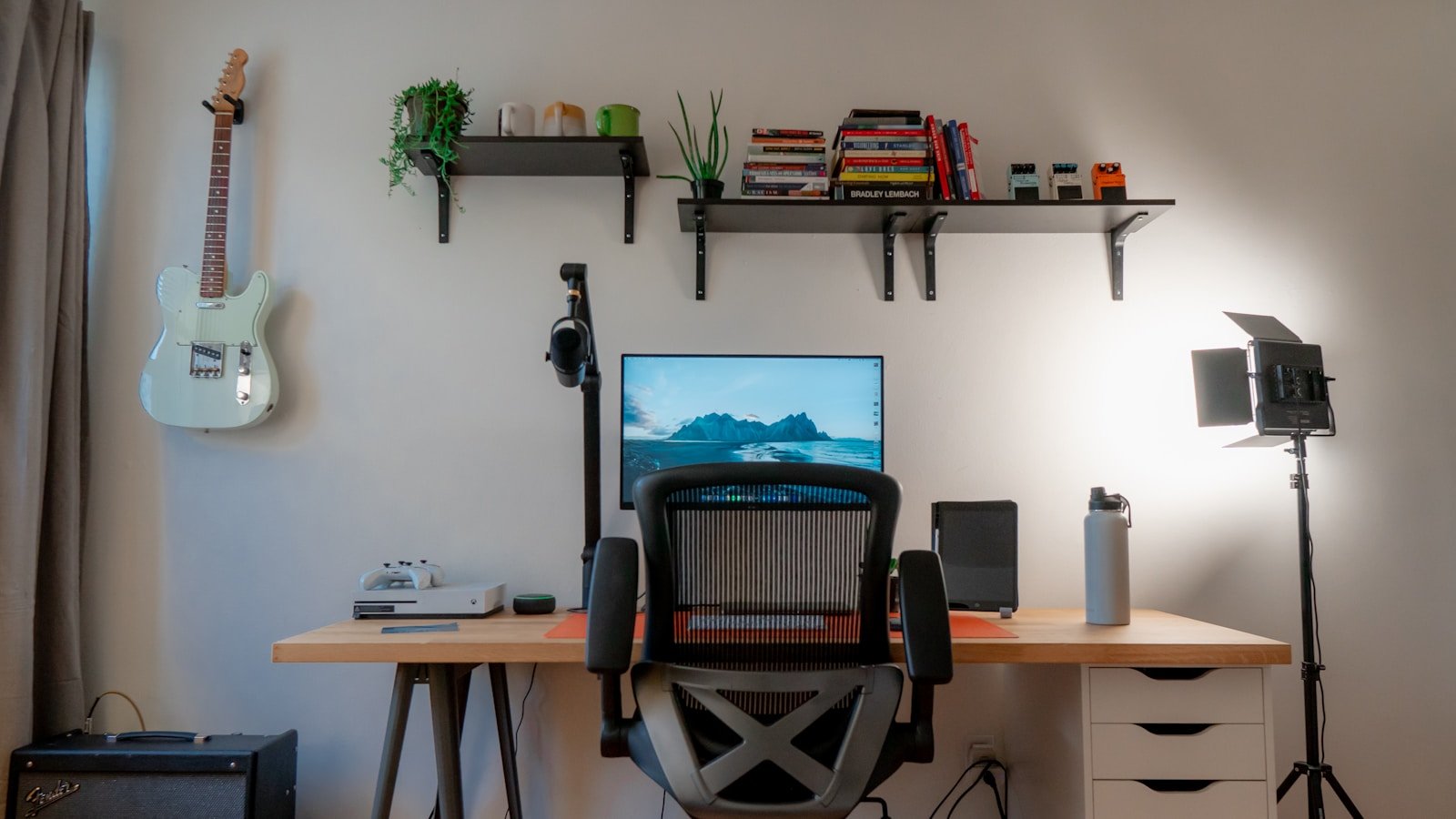
If you’ve ever worked from a tiny room—whether it’s a studio apartment, converted walk-in closet, or compact bedroom—you know how quickly it can get hot, loud, and uncomfortable. Heat builds up fast, electronics hum constantly, and airflow is nearly nonexistent.
But just because your space is small doesn’t mean it has to feel like a server room.
With the right silent fans, noise-dampening pads, and clever placement tricks, you can turn your stuffy, noisy corner into a cool, quiet productivity zone—without tearing down walls or investing in expensive air systems.
This guide is your all-in-one solution for heat and noise control in compact spaces, made especially for renters, remote workers, and anyone trying to stay focused in a room smaller than a parking spot.
Why Small Rooms Overheat and Echo
Before jumping into the fixes, it’s helpful to understand why small rooms tend to suffer from both heat retention and noise amplification:
Why They Get Hot:
- Poor airflow: No cross-ventilation, especially in rooms with only one window.
- Device buildup: Laptops, PCs, monitors, lights, and other electronics give off heat.
- Insulation traps warmth: Good for winter, bad for all-day work sessions.
- Body heat: Yes, you’re also a heat source.
Why They’re Loud:
- Hard surfaces (walls, floors, ceilings) reflect sound.
- No acoustic treatment: Echoes and reverberations amplify sound.
- Small spaces = sound bounce: There’s nowhere for noise to dissipate.
- PC fans, typing, and street noise feel louder than they should.
Luckily, small changes can make a big impact—let’s walk through the essentials.
Step 1: Cool the Room Quietly — Silent Fan Options That Work
Adding airflow is the fastest way to lower temperature and reduce stagnant air, but many fans are noisy enough to be distracting. Your best bet? Silent or ultra-quiet fans that prioritize decibel control.
What to Look For in a Quiet Fan:
- Low decibel rating (under 40 dB) at low settings
- Variable speed or silent mode
- Oscillation for better room coverage
- Compact size for tight placement
- Energy-efficient motors
Top Fan Types for Small Rooms:
1. Desk Fans (Silent Personal Fans)
Perfect for targeted cooling at your desk without disturbing calls or concentration.
- Compact, often USB-powered
- Ideal for renters with limited outlet access
- Some come with brushless motors that eliminate fan hum
2. Tower Fans with Sleep Mode
Tall, narrow, and designed for vertical spaces.
- Circulate air throughout the room
- Many include silent night modes
- Can be placed behind or beside desks without blocking access
3. Clip-On Fans
If you’re truly space-strapped, clip-on fans are perfect.
- Clip to shelves, desks, or bedframes
- Great for airflow without taking up surface area
- Choose ones with ball-joint heads for better angle control
4. Floor Fans with Low-Noise Motors
Not all floor fans are noisy wind tunnels. Look for ones designed for whisper-quiet operation, especially those made for nurseries or bedrooms.
Placement Tips for Maximum Cooling (Without the Noise)
Where you place your fan matters just as much as what fan you choose.
Smart Placement Tricks:
- Near the window: Draw in cooler outdoor air in the evening or vent hot air out during the day.
- Create cross-ventilation: Place one fan facing inward at the window, another pulling air out near the door.
- Under the desk: Cool your lower body and redirect rising warm air.
- Behind monitor setups: Push warm air away from electronics.
Avoid pointing fans directly at your mic or into a corner (which just swirls hot air). Instead, create airflow paths that cycle heat away from your body and devices.
Step 2: Tame the Noise — Pads, Mats, and Simple Acoustic Fixes
Even with great airflow, tiny rooms can get loud fast. Between keyboard clacks, PC fans, street noise, and room echo, the soundscape can get overwhelming.
Here’s how to quiet things down—without making it look like a music studio.
1. Use Desk Pads and Sound-Dampening Mats
You don’t need to foam up the walls—start with the surfaces where sound starts.
Add:
- Desk mats: Thick fabric or leather pads absorb typing impact and reduce keyboard noise.
- Anti-vibration mouse pads: Great for mechanical mouse clicks.
- Monitor riser pads: Foam or rubber risers absorb vibration and lift monitors to better ergonomic height.
Bonus: These solutions often double as aesthetic upgrades to your desk setup.
2. Quiet the Devices Themselves
If your noise comes from your gear, address the source.
Common Fixes:
- Swap loud mechanical keyboards for quieter key switches or add o-rings to dampen keystrokes.
- Use fanless or low-noise laptops when possible.
- Clean your PC fans—dust buildup = louder operation.
- Enable “Quiet Mode” or ECO profiles in BIOS or power settings to lower fan RPM.
Your gear shouldn’t sound like a jet engine just to browse emails.
3. Soft Furnishings = Instant Sound Absorbers
Hard, reflective surfaces are what cause echo and reverberation in small rooms. Adding softness tames that bounce.
Add:
- Thick curtains to cover bare windows
- Rug or carpet runner under your desk setup
- Fabric wall hangings or tapestries for both sound and aesthetic
- Even a blanket on a chair back can reduce reflected noise
You don’t need professional acoustic panels—just a few carefully chosen materials in the right spots.
4. Plug the Gaps: Seal Noise Leaks
Noise from shared spaces or outside traffic often sneaks in through the cracks—door gaps, vents, and thin walls.
DIY Soundproofing Tricks:
- Use door draft stoppers to seal the space under your door
- Install removable weather stripping around door frames
- Hang a thick curtain or blanket over doors that face noisy halls
- Add foam inserts into unused wall outlets to plug air gaps
Small changes can reduce how much outside noise leaks in, and how much your typing or meetings leak out.
Step 3: Combine Heat + Noise Solutions with Smart Arrangement
Often, the biggest improvement in both temperature and noise control comes from how you set up your space.
1. Separate Heat-Generating Devices
Clustered electronics = hotspot. Spread them out when possible.
- Don’t stack your laptop on top of your PC
- Avoid placing devices in corners (hot air lingers)
- Leave space behind and around electronics for airflow
2. Choose the Right Wall
When possible, place your desk against a shared or insulated wall, not one that connects to noisy areas like bathrooms, kitchens, or hallways. If that’s not possible, use soft backdrops (curtains, foam boards) to create a buffer.
3. Use Vertical Space
In small rooms, floor and desk space is limited. Use vertical shelving to elevate heat-generating gear off the floor and improve airflow.
Bonus: Moving equipment off the desk also lowers sound travel toward your mic or ears.
Extra Tools for a Cooler, Quieter Workspace
Want to go the extra mile? These tools can help you measure and fine-tune your environment:
1. Digital Thermometer
Track how hot your room gets over time. Use this to optimize fan placement and schedule breaks.
2. Decibel Meter App
Use a free app to measure how loud your setup is during typing, calls, and idle moments. You’ll know exactly which changes make a difference.
3. Smart Plugs with Schedulers
Control when fans, air purifiers, or lights turn on/off to manage heat and sound during your work hours automatically.
Final Thoughts: Big Comfort, Small Space
You don’t need a massive home office to enjoy a cool, quiet, productive work environment. With just a few smart investments—silent fans, noise-dampening pads, and intentional placement—you can completely transform your tiny workspace.
At TheWFHClub.com, we believe your space should support your focus, not fight against it. Whether you’re living in a studio apartment or optimizing a converted closet, the right environment is possible—and affordable.
Stay cool. Stay quiet. And stay in the zone.


